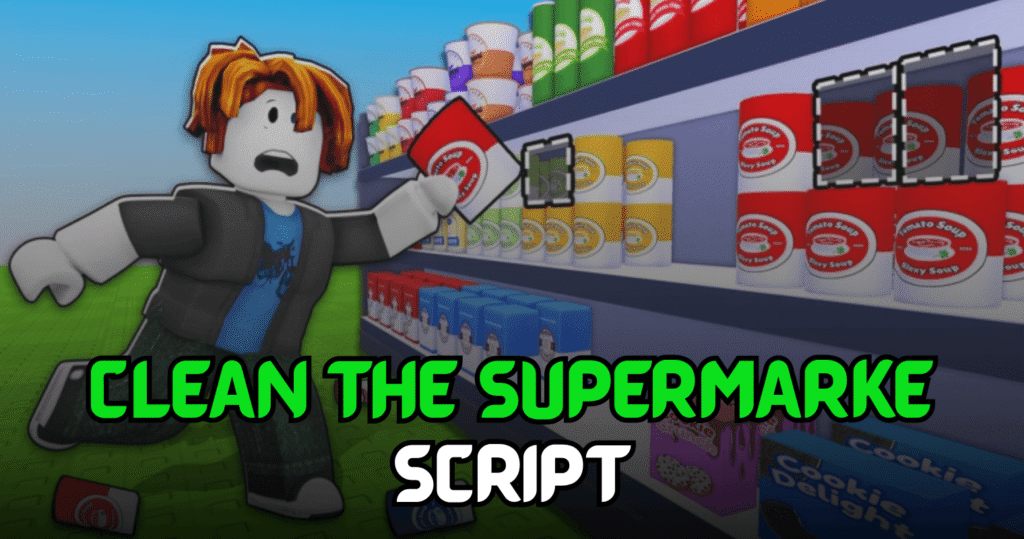
Clean the Supermarket is a Roblox simulator where players organize shelves, improve their store, unlock upgrades, and complete cleaning tasks to earn rewards. This Brilliant Clean the Supermarket Script automates essential gameplay with useful Lua features like Auto Stock, Auto Buy Upgrades, and Auto Use Abilities, helping players clear stores more efficiently with less manual work.
Auto Stock, Auto Buy Upgrades & More – Lua Script Features
This Lua script is designed to simplify supermarket management by automating stocking tasks, using abilities whenever available, and purchasing upgrades automatically. These features help reduce repetitive actions and allow players to progress through the game much faster.
Script Features
| Feature | Description |
|---|---|
| Auto Stock | Automatically restocks supermarket shelves |
| Auto Use Abilities | Activates available abilities automatically |
| Auto Buy Upgrades | Purchases upgrades when available |
| Faster Store Progress | Speeds up supermarket completion |
| Key System | Includes key system support |
| Mobile Ready | Compatible with supported mobile executors |
| Easy Automation | Simple setup and execution |
_G.autoExec = false
loadstring(game:HttpGet("https://raw.githubusercontent.com/iLove-yuri/leeeeesbian/refs/heads/main/homumado.lua"))()
Benefits of using these scripts
This script helps players complete supermarket tasks much faster by automatically stocking shelves and activating useful abilities. Automatic upgrades improve overall efficiency, allowing you to progress through stores more quickly while spending less time on repetitive actions.
How to Use These Scripts
- Install a Roblox Lua executor that supports Lua scripts.
- Launch Roblox and join Clean the Supermarket.
- Wait until the game has fully loaded.
- Open your preferred executor.
- Copy the Lua script from this article.
- Paste it into the executor window.
- Click the Execute button.
- Wait for the script interface to load.
- Enable Auto Stock, Auto Buy Upgrades, and any other available features.
- Verify that the automation is working correctly before continuing gameplay.
For the best compatibility and stable performance, execute the script after the game has completely loaded and keep your executor updated to the latest version.