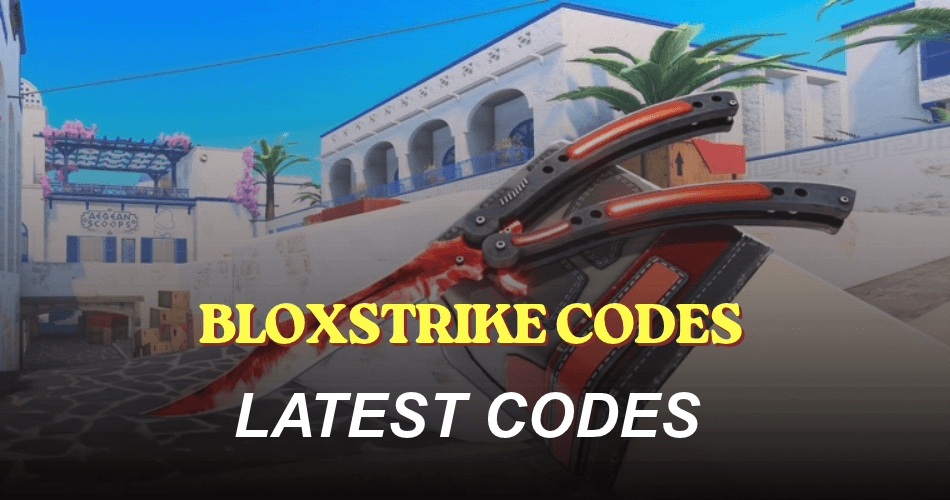
BloxStrike is a Roblox first-person shooter where players test their aim and combat skills in intense gunfights. Redeem the latest codes to earn free Credits and other rewards that can help you get more out of your gameplay.
5 Active Codes • 38 Expired Codes
Active
| Code | Reward |
|---|---|
| 25KCCU | 150 Credits (NEW, limited to 7.5 users) |
| LAUNCHSITE | 250 Credits (limited to 2.5 users) |
| ANIME | Free Rewards |
| REACTORDELAY | Free Rewards |
| FREEDOM | 250 Credits |
Expired
| Code | Reward |
|---|---|
| CAPTAINTTIROB | Expired |
| HELLENA | Expired |
| SUPERSOAKED | Expired |
| TRADINGUPDATE | Expired |
| MYFAULTYALL | Expired |
| BIRTHDAYBOYMALONI | Expired |
| TRADINGRELEASE | Expired |
| APEXCOLLECTION | Expired |
| Missions | Expired |
| EASTER2026 | Expired |
| STILETTO | Expired |
| UPDATE320 | Expired |
| GAMEBROKE318 | Expired |
| DUST_II | Expired |
| LIL30MINUTEDOWNTIME | Expired |
| BLOXSTRIKEXMEDAL | Expired |
| SEASIDE | Expired |
| 25MILLIONVISITS | Expired |
| WEAREBACK | Expired |
| BUTTERFLYCASE | Expired |
| GAMEBROKE | Expired |
| 10KCCU | Expired |
| 8KCCU | Expired |
| 10MVISITS | Expired |
| NEWYEARS2025 | Expired |
| QOLUPDATE | Expired |
| CHRISTMAS2025 | Expired |
| WINTER2025 | Expired |
| SORRYTHURSDAY | Expired |
| 1MVISITS | Expired |
| REACTOR | Expired |
| OCTOBER_DOWNTIME | Expired |
| 1MGROUPMEMBERS | Expired |
| MICHAELSRETURN | Expired |
| HAPPYBDAYYUUTO | Expired |
| LORE | Expired |
| RIANOMINATED2026 | Expired |
| NEBULA | Expired |
How do I redeem BloxStrike Codes?
Before redeeming codes in BloxStrike, you must join the BloxStrike Roblox community, verify your membership from the game’s home screen, and reach level 5. You can check your level by opening your in-game profile. Once you’ve completed these requirements, follow the steps below:
- Launch BloxStrike on Roblox.
- Click Redeem Codes on the right side of the screen.
- Scroll down to the Redeem Codes section.
- Enter a working code in the Code Here… box.
- Click Redeem to claim your rewards.