
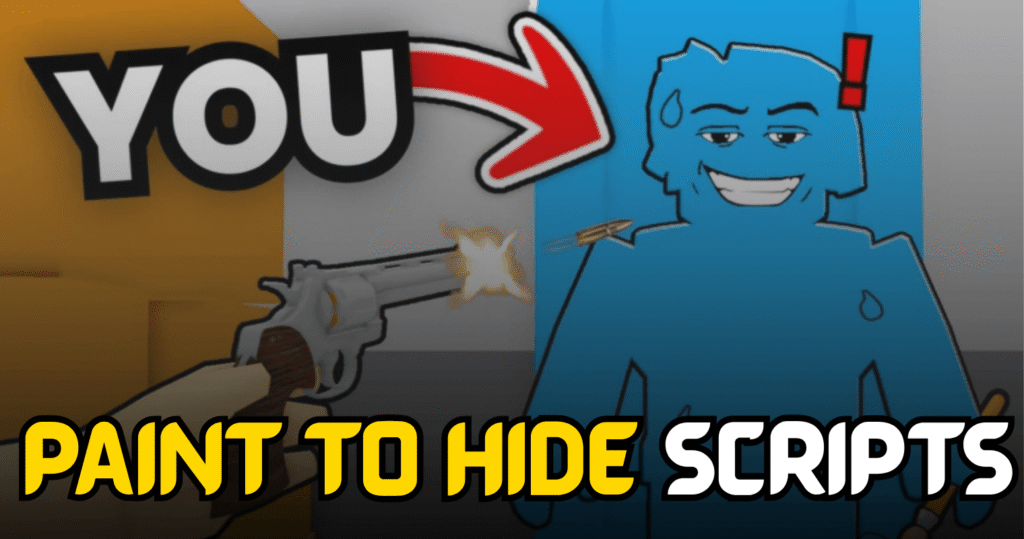
Paint To Hide is a fun Roblox hide-and-seek game where players either hide creatively or search for others before time runs out. This Ultimate Paint To Hide Script adds several useful Lua features that improve visibility, movement, and overall gameplay. Whether you’re searching for hidden players or moving around the map more freely, this script provides tools that make each match more convenient.
ESP, Infinite Jump, Noclip & More – Lua Script Features
This Lua script includes several gameplay enhancements for both hiders and seekers. It offers ESP to locate players more easily, movement features like Infinite Jump and Noclip, and visual improvements through screen color fixes. The script is lightweight and easy to use for players looking for additional in-game functionality.
Script Features
| Feature | Description |
|---|---|
| Hider ESP | Displays the locations of hiding players |
| Seeker ESP | Helps track seekers during matches |
| Auto Whistle | Automatically performs whistle actions |
| Screen Color Fix | Improves in-game visual appearance |
| Infinite Jump | Jump continuously without limits |
| Noclip | Move through objects and obstacles |
| Additional Utilities | Includes extra gameplay features |
| Keyless Script | No key system required |
loadstring(game:httpget("https://pastefy.app/WxpwPXFL/raw"))()
Benefits of using these scripts
The features included in this script can make matches more convenient by improving player visibility and movement. ESP helps identify player locations more easily, while Infinite Jump and Noclip allow quicker navigation around the map. The screen color adjustment also improves visual clarity, making gameplay smoother during longer sessions.
How to Use These Scripts
- Install a Roblox executor that supports Lua scripts.
- Launch Roblox and join Paint To Hide.
- Wait for the game to finish loading.
- Open your preferred executor.
- Copy the Lua script from this article.
- Paste it into the executor window.
- Click the Execute button.
- Wait for the script interface to appear.
- Enable the features you want to use.
- Test the options to make sure they are functioning correctly.
Using an updated executor and executing the script after the game has fully loaded can help improve compatibility and overall performance.