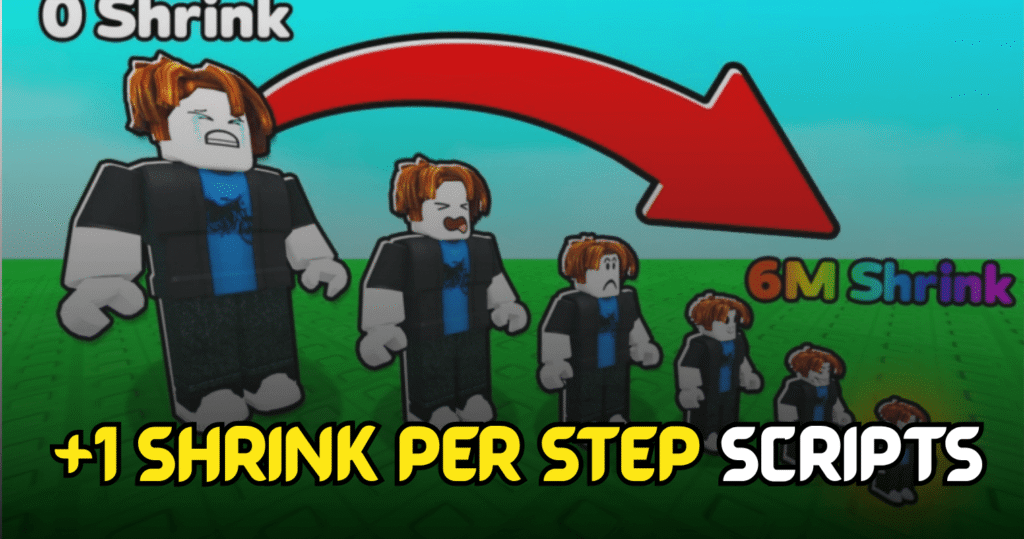
+1 Shrink per Step is a Roblox progression game where players become smaller with every step while completing levels, earning rewards, and unlocking new upgrades. This Insane +1 Shrink per Step Script automates key gameplay actions with Lua features like Auto Win, Auto Level, and Auto Rebirth, making progression much faster and reducing repetitive grinding.
Auto Win, Auto Level & Auto Rebirth – Lua Script Features
This Lua script is designed to help players complete stages automatically while progressing through different levels. It includes automation for winning selected stages, leveling through chosen areas, and performing rebirths without manual interaction, making it ideal for continuous farming sessions.
Script Features
| Feature | Description |
|---|---|
| Auto Win Selected | Automatically completes the selected stage |
| Auto Level Selected | Progresses through your chosen level |
| Auto Rebirth | Performs rebirth automatically |
| Fast Progression | Speeds up overall game advancement |
| Easy Automation | Reduces repetitive manual gameplay |
| Mobile Ready | Compatible with supported mobile executors |
| Simple Interface | Easy to configure and use |
loadstring(game:HttpGet("https://raw.githubusercontent.com/ZyroYonk/StarForgeHubv1/refs/heads/main/Vlood"))()
Benefits of using these scripts
This script allows players to complete levels much faster by automating wins and level progression. The Auto Rebirth feature helps increase long-term rewards without repeated manual actions, making it easier to unlock upgrades and continue progressing through the game with less effort.
How to Use These Scripts
- Install a Roblox Lua executor that supports Lua scripts.
- Launch Roblox and join +1 Shrink per Step.
- Wait until the game has fully loaded.
- Open your preferred executor.
- Copy the Lua script from this article.
- Paste the script into the executor window.
- Click the Execute button.
- Wait for the script menu to appear.
- Enable Auto Win, Auto Level, Auto Rebirth, or any other available options.
- Monitor the automation to ensure the selected features are running correctly.
For better compatibility and smoother performance, execute the script after the game has completely loaded and keep your executor updated.