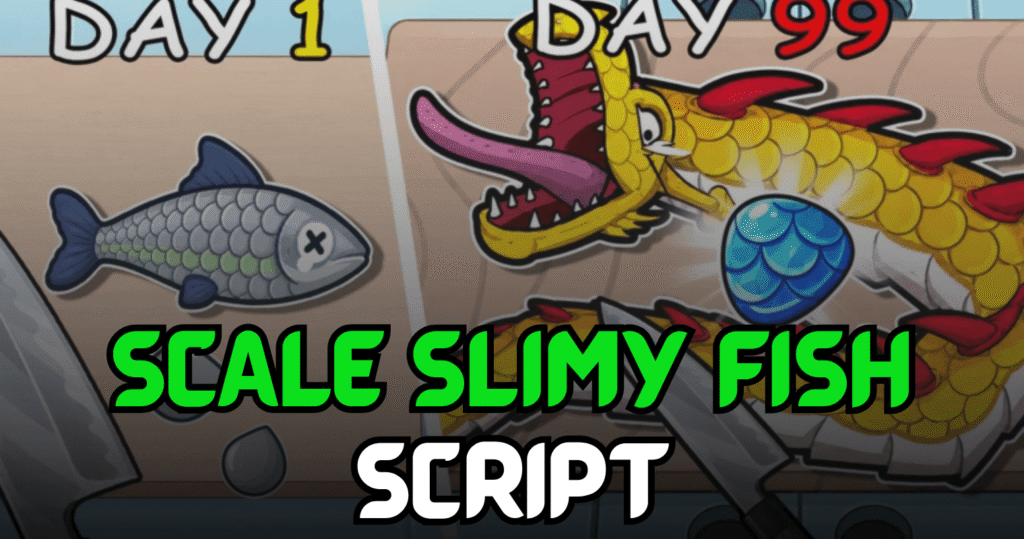
Scale Slimy Fish is a Roblox fishing simulator where players catch fish, scale them, sell their catches, and upgrade equipment to improve their earnings. This Handy Scale Slimy Fish Script automates the game’s most repetitive tasks with useful Lua features like Auto Fish, Auto Scale, Auto Sell, and Auto Upgrade, allowing players to progress more efficiently.
Auto Fish, Auto Scale, Auto Sell & Auto Upgrade – Lua Script Features
This Lua script is built for players who want to spend less time repeating the same actions and more time unlocking upgrades. It automatically catches fish, prepares them for sale, sells them, and purchases upgrades whenever available, making the entire fishing process much smoother.
Script Features
| Feature | Description |
|---|---|
| Auto Fish | Automatically catches fish |
| Auto Scale | Scales fish without manual input |
| Auto Sell | Sells caught fish automatically |
| Auto Upgrade | Purchases available upgrades |
| Keyless Script | No key system required |
| Mobile Ready | Compatible with supported mobile executors |
| Easy Automation | Simplifies repetitive gameplay |
loadstring(game:HttpGet('https://pastefy.app/s3X4Ht7S/raw'))()
Benefits of using these scripts
This script helps players earn money more consistently by automating every major step of the fishing process. Auto Fish keeps catching fish continuously, Auto Scale prepares them automatically, Auto Sell converts catches into coins without manual effort, and Auto Upgrade improves your equipment over time for even faster progression.
How to Use These Scripts
- Install a Roblox executor that supports Lua scripts.
- Launch Roblox and join Scale Slimy Fish.
- Wait until the game has completely loaded.
- Open your preferred executor.
- Copy the Lua script from this article.
- Paste it into the executor window.
- Click the Execute button.
- Wait for the script interface to load.
- Enable Auto Fish, Auto Scale, Auto Sell, or Auto Upgrade.
- Check that each feature is working correctly before continuing your fishing session.
For the best experience, execute the script after the game has fully loaded and use an updated executor for improved compatibility and stability.