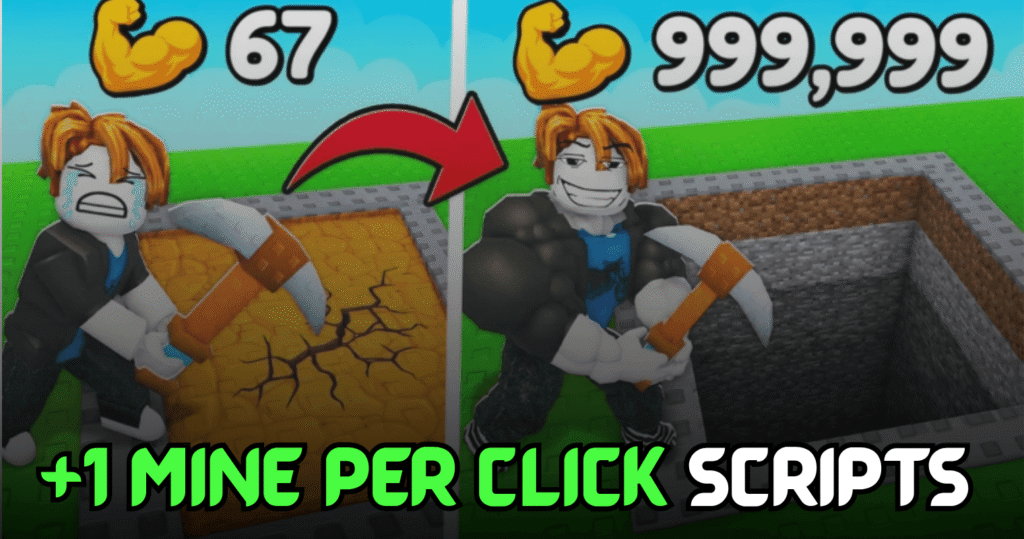
+1 Muscle to Break Walls is a Roblox strength simulator where players train to increase their muscle power, destroy stronger walls, and rebirth to unlock greater rewards. This Ultimate +1 Muscle to Break Walls Script automates the most important gameplay tasks with useful Lua features like Auto Train, Auto Destroy Stage, and Auto Rebirth, making progression much faster and easier.
Auto Train, Auto Destroy Stage & More – Lua Script Features
This Lua script helps automate strength training and wall-breaking so players can continue progressing without constantly repeating the same actions. It also includes automatic rebirth functionality and additional utility features for a smoother gameplay experience.
Script Features
| Feature | Description |
|---|---|
| Auto Train | Automatically trains your character |
| Auto Destroy Stage | Clears wall stages automatically |
| Auto Rebirth | Performs rebirth when available |
| +1 Train | Continuously increases training progress |
| Additional Utilities | Includes extra gameplay features |
| Mobile Ready | Compatible with supported mobile executors |
| Easy to Use | Simple setup and execution |
loadstring(game:HttpGet("https://raw.githubusercontent.com/MBHubRoblox/YamemeHub/refs/heads/main/MuscletoBreakWalls.lua"))();
Benefits of using these scripts
This script helps players gain muscle faster by automating training and wall destruction. The Auto Rebirth feature allows continuous progression without manual interaction, while automatic stage completion saves time and lets players unlock stronger areas and rewards much more efficiently.
How to Use These Scripts
- Install a Roblox Lua executor that supports Lua scripts.
- Launch Roblox and join +1 Muscle to Break Walls.
- Wait until the game has completely loaded.
- Open your preferred Lua executor.
- Copy the script from this article.
- Paste it into the executor window.
- Click the Execute button.
- Wait for the script menu to appear.
- Turn on Auto Train, Auto Destroy Stage, Auto Rebirth, or any other available features.
- Adjust the settings if needed and let the automation handle your progression.
For the best compatibility and smoother gameplay, execute the script after the game has fully loaded and keep your executor updated to the latest version.