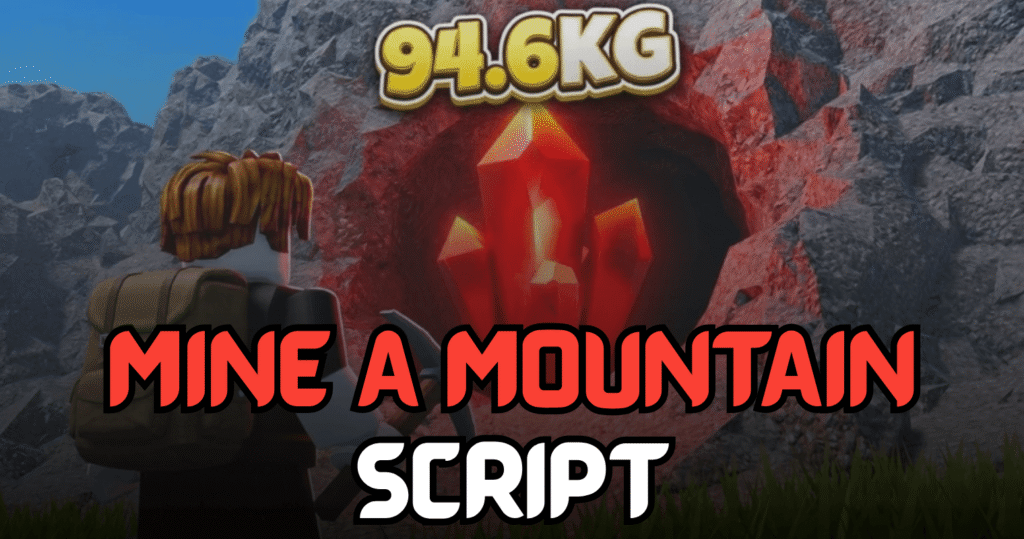
Mine a Mountain is a Roblox mining simulator where players dig through massive mountains, collect valuable crystals, upgrade their equipment, and unlock stronger pickaxes. This Ultimate Mine a Mountain Script automates the most time-consuming tasks with powerful Lua features like Auto Mine, Auto Collect Crystals, Auto Upgrade, and Auto Buy Pickaxes, making progression much faster and more efficient.
Auto Mine, Auto Collect Crystals & More – Lua Script Features
This Lua script offers a complete mining automation system for Mine a Mountain. It continuously mines crystals, collects dropped resources, upgrades important stats, and purchases stronger pickaxes automatically. It also includes player movement enhancements and quality-of-life features for smoother gameplay.
Script Features
| Feature | Description |
|---|---|
| Auto Mine Crystal | Automatically mines nearby crystals |
| Auto Collect Dropped Crystals | Collects dropped crystals instantly |
| Auto Sell | One-click automatic selling |
| Auto Upgrade Warmth | Purchases warmth upgrades automatically |
| Auto Upgrade Backpack | Upgrades backpack capacity |
| Auto Buy All Pickaxe Tiers | Unlocks stronger pickaxes automatically |
| Fly Toggle | Enables flying with adjustable speed |
| Fly Speed Slider | Adjust fly speed from 10 to 200 |
| Walk Speed Toggle | Enable or disable custom walk speed |
| Walk Speed Slider | Adjust movement speed from 16 to 120 |
| Anti AFK | Prevents idle disconnection |
| Real-Time Speed Adjustment | Instantly updates movement speed |
| Responsive UI | Resizable and user-friendly interface |
| Ping Display | Shows current ping in the UI |
| Low Executor Support | Compatible with Solara, Xeno, JJSploit, and similar executors |
| Stable Performance | Designed for smooth gameplay with minimal lag |
loadstring(game:HttpGet("https://raw.githubusercontent.com/ZyroYonk/StarForgeHubv1/refs/heads/main/Vlood"))()
Benefits of using these scripts
This script helps players mine resources much more efficiently by automating crystal collection, mining, equipment upgrades, and pickaxe purchases. The Fly feature makes exploring the mountain easier, while movement customization reduces travel time between mining locations. Combined with Anti AFK and optimization improvements, the script is ideal for long farming sessions.
How to Use These Scripts
- Install a Roblox Lua executor that supports Lua scripts.
- Launch Roblox and join Mine a Mountain.
- Wait for the game to load completely.
- Open your preferred executor.
- Copy the Lua script from this article.
- Paste it into the executor window.
- Click the Execute button.
- Wait for the script interface to appear.
- Enable features such as Auto Mine, Auto Collect, Auto Upgrade, or Fly based on your preferences.
- Adjust movement settings and farming options for the best results.
For better compatibility and smoother performance, execute the script after the game has fully loaded and keep your executor updated to the latest version.